본문으로 건너뛰기

Create a digital escape room for your students, with no student login

A digital escape room for class is a set of virtual locks: you write the clue, you set the answer, and you hide the next task behind it. Students open one short link or scan one QR code in the browser they already have. There is no student login, no student account, and nothing to install. Only the teacher has an account.

지금 해보기 · 수학

수학

단서:

12의 12배. 세 자리 숫자예요.

8개 과목, 8개 자물쇠, 하나의 방탈출

카드마다 선생님이 직접 꾸밀 수 있는 그대로 디자인된 실제 자물쇠예요. 하나를 골라 데모에서 플레이해 보세요. 이 순서대로 하나의 이야기로 이어지고, 각 공개 화면이 반 전체를 다음 과목으로 안내해요.

테마, 영상으로 촬영한 잠금 해제 애니메이션, 축하 효과로 어떤 자물쇠든 꾸밀 수 있어요. 스도쿠, Wordle, HTML 엔딩을 포함한 모든 자물쇠 형식과 모든 공개 화면이 같은 방식으로 작동해요.

What does a teacher get, and what does it cost?

You can build and preview a lock before paying anything. Players never pay and need no account. See current plans and features on the pricing page.

In every lock you make

  • A single lock, or a chain of steps where each answer opens the next task.
  • Every one of the 15 lock formats and every kind of reveal.
  • Unlimited players and unlimited attempts.
  • A short link and a downloadable QR code for every lock.
  • With the year, published locks stay live and playable all school year.

When you want more

  • Themes, the 55 filmed unlock animations and the celebrations.
  • A timer, a start date, an access code and a cap on players.
  • Per-student results, the CSV export and the leaderboard.

How to set it up

  1. 1

    Write the clue and set the answer

    Pick a lock format, write the question, and type the answer the lock opens on.

  2. 2

    Hide the next task behind the lock

    The reveal can be an answer key, the next worksheet, a link, or the clue to the next station.

  3. 3

    Test it before you sign up

    Play the lock in the builder's preview, the way a student will, before you create an account.

  4. 4

    Publish and share the link or the QR code

    Publish from your teacher account. Students open the link or scan the code, with no student login.

No student login, and no student account

Students do not create an account and are not asked to sign in. They open the link, type an answer, and see what you hid. The answer is checked on the server (every format except the melody lock), so it is not sitting in the page for someone to read. A class can play at the same time: every phone is its own session, and players and attempts are unlimited.
Virtual locks that stay live all school year

With the year, a published lock stays live and playable all school year: the link you shared in September still opens in June. You can build and test the lock before you create an account, and publish it when the lesson is ready.

A QR code for the board, the desk, or the worksheet

Every published lock comes with a short link and a QR code you can download. Project one code for the whole class, print one per station, or drop the link into the homework. Change the clue or the answer later and the same printed code still works: it points at the lock, so you do not reprint the room when the puzzle changes.

Filmed unlock animations, when the class gets it right

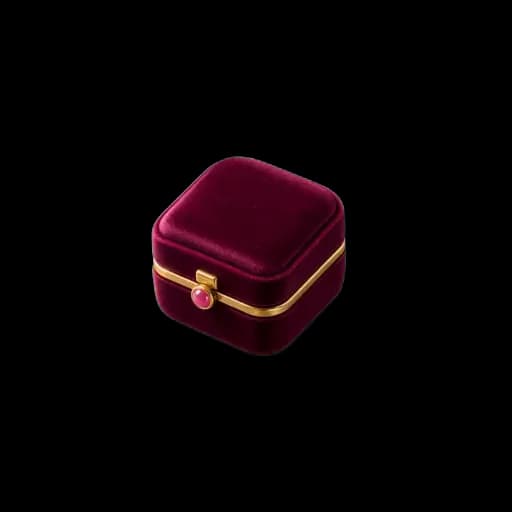
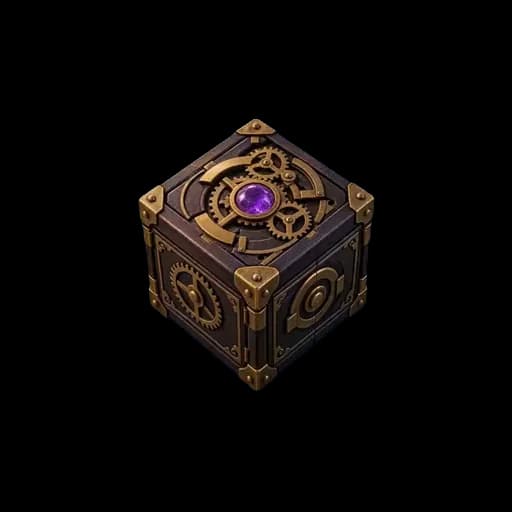
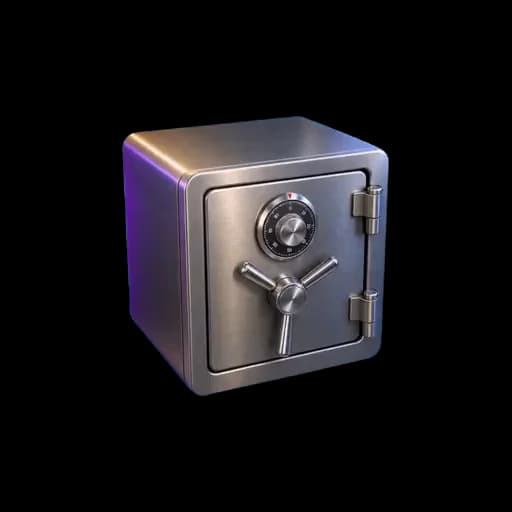
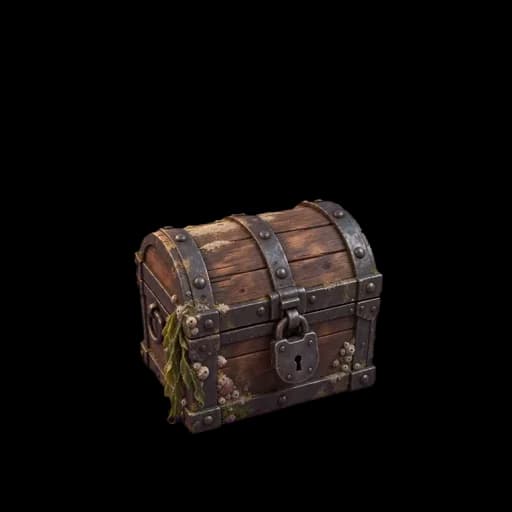
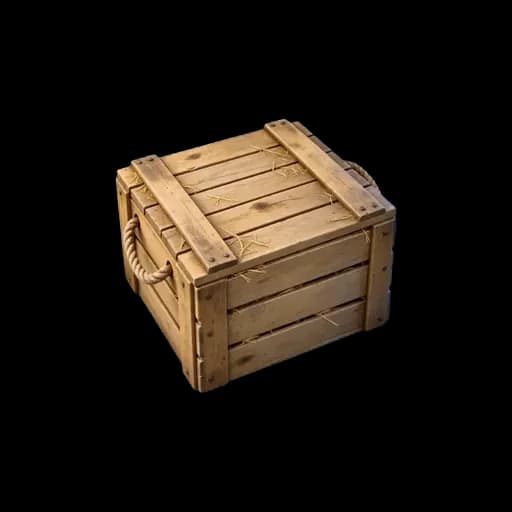
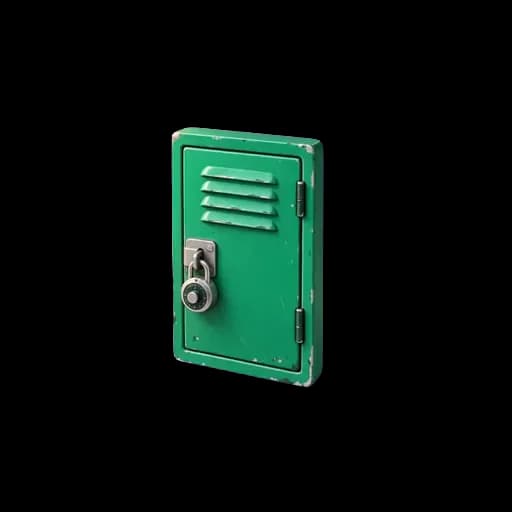
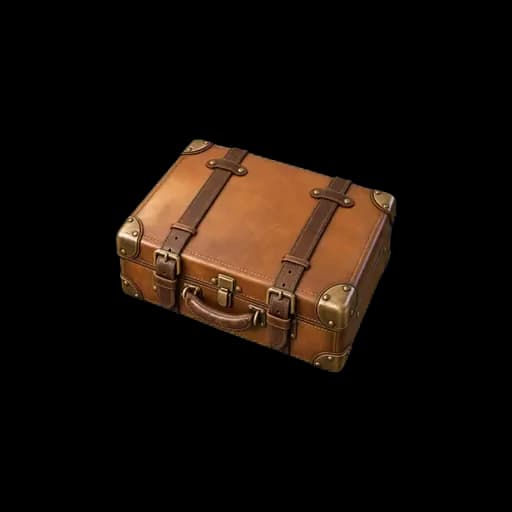
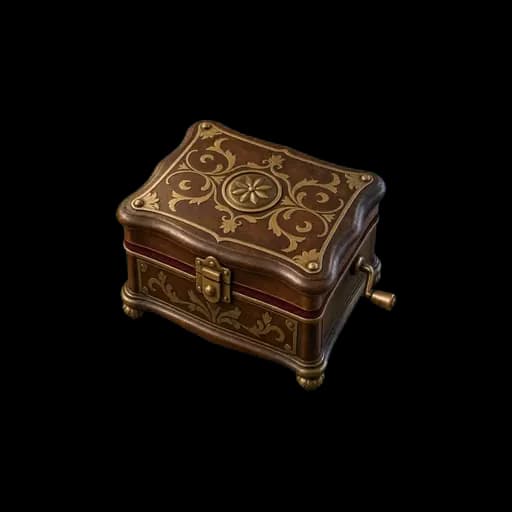
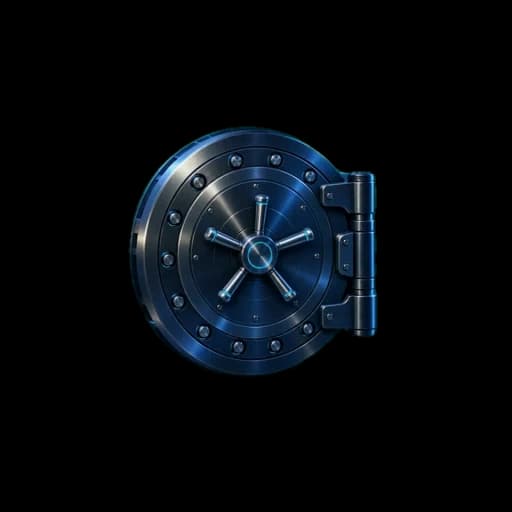
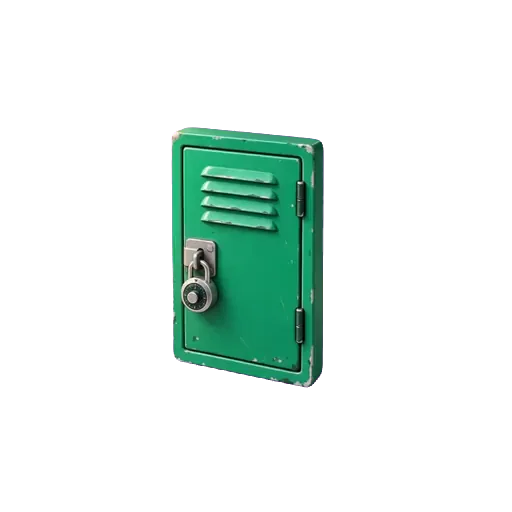
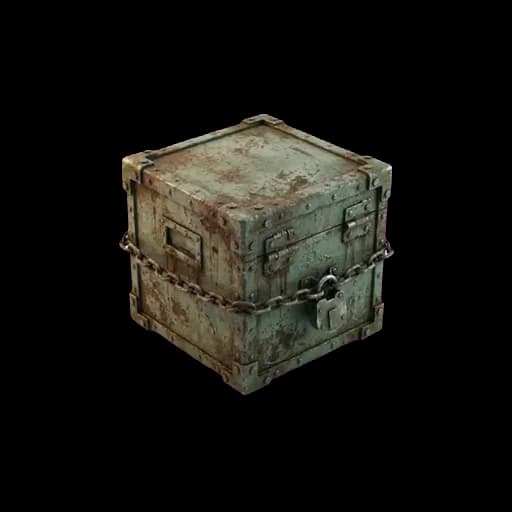
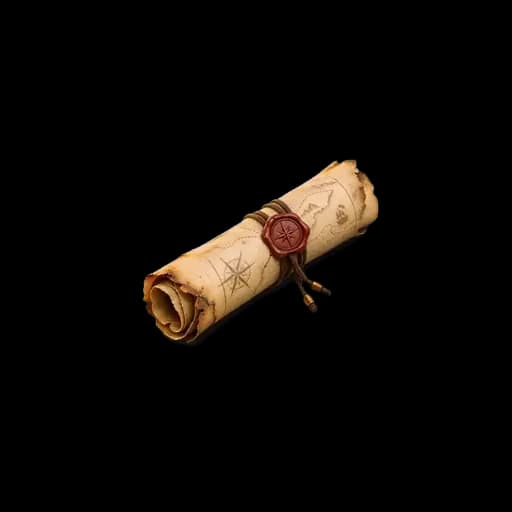
The lock can open as a filmed object: a locker, a treasure chest, a safe, and 55 objects in all. It fidgets while the class is still working and opens on video, with sound, when the answer is right, and the reveal appears inside the opened object. For a quick homework reveal, a lock can also open plainly.

Google Forms or Lock Challenge?

Google Forms is free, has no limit on forms, and is already in Google Classroom. If you already build escape rooms with Forms response validation, it remains a good choice, and it is the one to use when you need many rooms at once at no cost. Lock Challenge is built for the lock itself: each question is a real lock with its own link and QR code, which suits stations and scavenger hunts, and the answer is checked on the server (every format except the melody lock), so it is not sitting in the page.

How teachers use it

  1. 1

    Homework reveal

    Hide tomorrow's answer key, the next worksheet, or the reading link behind a code that is in today's homework. Students who did the work open the lock at home, on a phone, with no login.

    Play this lock: Kevin failed 4 times. Can you open the answer key? →
  2. 2

    Station rotation

    One lock per station, one QR code on the table. A group scans, solves, and moves to the next table. Each browser plays its own session, so a group that finishes early does not see another group's screen.

  3. 3

    Scavenger hunt

    Hide a QR code at each stop in the room, the library, or the playground. Solving one lock reveals the clue for the next stop, and a chain of steps turns the whole trail into one game.

여러 단계로 된 방탈출은 어떻게 작동하나요?

여러 단계로 된 방탈출은 자물쇠가 사슬처럼 이어진 구조예요. 정답을 맞힐 때마다 다음 단계가 열리고, 마지막 정답이 피날레를 열어요. 아무도 건너뛸 수 없어요. 1단계를 풀기 전까지 2단계는 잠겨 있어서, 모둠이 항상 같은 질문을 함께 풀게 돼요. 아래는 3개 과목으로 된 기본 템플릿으로, 실제 수업에서 플레이하는 그대로예요.

  1. 1단계숫자 코드 (PIN)

    수학: 달걀 자물쇠

    찬장에 달걀 🥚 12개짜리 상자가 12상자 있어요.
    🍳 급식실에서 거대한 오믈렛을 만들려고 한 상자를 통째로 가져갔어요.

    달걀은 몇 개 남았을까요? 🔢 세 자리 숫자.

    ✓ 정답: 학생들이 보게 되는 화면

    찬장이 열렸어요.

    과학 찬장이 열려요.

    안에는 전등 아래 화분 하나, 그리고 단어가 찢겨 나간 이름표가 있어요.

  2. 2단계글로 쓰는 정답

    생물: 식물의 요리법

    이 식물 🌱은 햇빛, 물, 이산화탄소로 스스로 양분을 만들고 산소를 내보내요.

    🤔 이 과정을 뭐라고 할까요? ✏️ 세 글자 한 단어.

    ✓ 정답: 학생들이 보게 되는 화면

    1면 기사.

    화분 뒤에 오래된 신문 헤드라인이 있어요:

    "한 인간에게는 작은 한 걸음"

    날짜는 찢겨 나갔어요.

  3. 3단계숫자 코드 (PIN)

    역사: 찢겨 나간 날짜

    신문 📰에는 아폴로 11호 🚀와 달에 처음 내디딘 인류의 발걸음 이야기가 실려 있어요.
    그 일은 1960년대의 마지막 해에 일어났어요.

    몇 년일까요? 🔢 네 자리 숫자.

    ✓ 정답: 아래의 피날레가 열려요

피날레HTML

HTML 블록으로 쓴 마지막 공개 화면: 제목, 티켓, 스탬프가 자물쇠의 색상으로 표시돼요.

세 과목, 한 학급

반 전체가 탈출했어요.

교실 문이 활짝 열려요. 모든 자물쇠가 풀렸고, 다 함께 탈출에 성공했어요.

잘했어요

칠판에 기록을 적어 두세요. 다음 모둠이 깨야 할 기록이에요.

문 열림

자물쇠 하나만 게시할 수도 있고 여러 단계로 된 방탈출을 게시할 수도 있어요. 결제 전에 만들고 미리 볼 수 있어요. 단계마다 질문, 자물쇠, 힌트, 오류 메시지, 공개 화면을 따로 설정할 수 있어요.

3단계 플레이하기 →

마지막 디테일까지 디자인

자물쇠의 모든 픽셀을 꾸미고, 영상으로 열리는 순간을 지켜보세요.

화면의 어떤 것도 고정되어 있지 않아요. 테마를 고르고, 자물쇠가 잠겨 있는 동안 움직이다가 코드가 맞으면 소리와 함께 영상으로 열리는 촬영 오브젝트를 선택한 뒤, 열리는 순간의 축하 효과를 고르세요. 글꼴과 크기를 정하고, 나만의 숨겨진 콘텐츠로 마무리하세요. 플레이어는 내가 디자인한 화면을 그대로 봐요.

자물쇠에서 디자인할 수 있는 모든 것 →

색상

51가지 테마, 빌더에는 더 많이 있어요. 각 테마가 자물쇠, 키, 버튼을 칠해요.

영상 애니메이션

자물쇠가 잠겨 있는 동안 움직이다가 열리면 소리와 함께 영상으로 열리는 55가지 촬영 오브젝트.

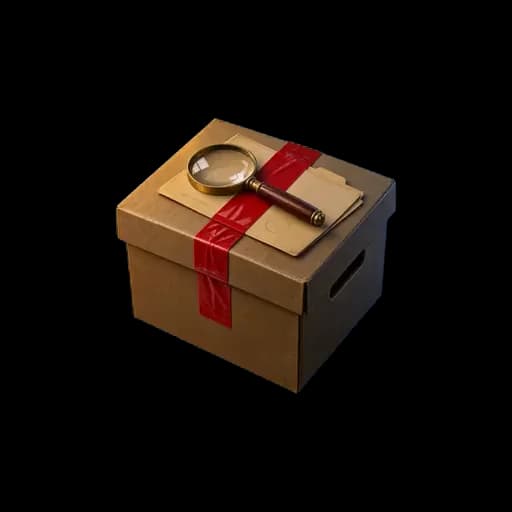
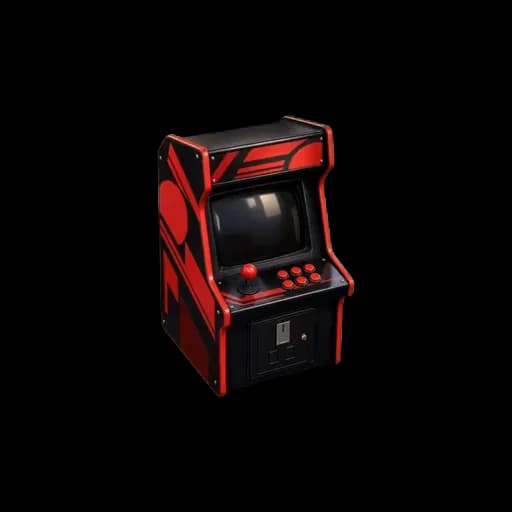
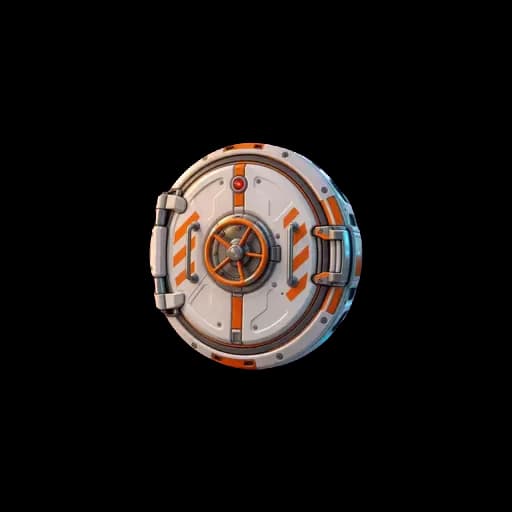
녹슨 빈 상자두루마리반지 케이스빈 퍼즐 상자금고해적 보물상자샴페인 상자사물함여행 가방오르골증거물 상자금고 문선물 상자오락기에어록

글꼴과 크기

37가지 글꼴과 6가지 글자 크기. 손에 든 휴대폰부터 방 건너편 화면까지.

또는 나만의 사진 두 장

닫힌 사진과 열린 사진을 올리세요: 포장된 선물, 그리고 그 안에 든 것.

모든 테마, 촬영 애니메이션, 축하 효과, 글꼴은 게시하기 전에 실시간 미리보기에서 써 볼 수 있어요.

나만의 자물쇠 만들기 →
51
테마
55
촬영 애니메이션
37
글꼴
36
축하 효과
15
자물쇠 유형
6
플레이어 언어

템플릿

클릭 한 번으로 복사할 수 있는 플레이 가능한 예시예요. 먼저 플레이해 보고 내 것으로 만들어 보세요.

교실 방탈출 게임
쉬움30 분3 단계

교실 방탈출 게임

세 과목에 걸친 문제 3개, 화면 하나, 정답 하나가 다음 문제를 열어요. 프로젝터 하나만 있으면 30명 학급이 함께할 수 있어요.

사용된 자물쇠: 숫자 코드 (PIN), 글로 쓰는 정답

지원 언어: EN · FR · ES · CA · PT · KO

예시 플레이하기
교실 퀴즈
쉬움15 분1 단계

교실 퀴즈

질문 1개, 답 1개, 그 뒤에 다음 자료. 수업에서 자물쇠를 쓰는 가장 빠른 방법이에요.

사용된 자물쇠: 글로 쓰는 정답

지원 언어: EN · FR · ES · CA · PT · KO

예시 플레이하기
미니 방탈출
보통25 분3 단계

미니 방탈출

방 3개, 장치 3개, 마지막 코드 1개. 방 하나에서 바로 진행할 수 있는 가장 짧은 완전한 방탈출이에요.

사용된 자물쇠: 숫자 코드 (PIN), 색상 순서, 터치 패턴

지원 언어: EN · FR · ES · CA · PT · KO

예시 플레이하기

More for the classroom

Questions teachers ask

How much does it cost?
You can build and preview a lock before paying anything. Players never pay and need no account. See current plans and features on the pricing page.
Do students need an account?
No. There is no student login and no student account. Students open a link or scan a QR code and play in the browser. Only the teacher creates an account, and only to save and publish the lock.
Can I build a whole escape room, not just one lock?
Yes. Chain several locks into one game, so each answer opens the next task, and share it on one link or one QR code.
Can I add a timer or see each student's result?
Yes. You can add a timer, a leaderboard, per-student results and a CSV export, as well as themes, the 55 filmed unlock animations and the celebrations.
Can I share it with a QR code?
Yes. Every lock includes a downloadable QR code and a short link. Project it, print it, or send the link. The same code keeps working if you change the clue or the answer.
Can a whole class play at the same time?
Yes. Project one QR code, or let each group open the link on its own phone. Each device plays its own session, and there is no cap on players.

Create a lock for your next lesson.

One question and one reveal is already a complete activity. Build and test your first lock in minutes.

Start creating your challenge →