
Try it now, no sign-up
Listen, then play it back
Press Listen, then repeat the melody on the keyboard. Seven notes.
Then try to play the notes back.
Play a sequence of 7 notes
Wrong answer, try again.
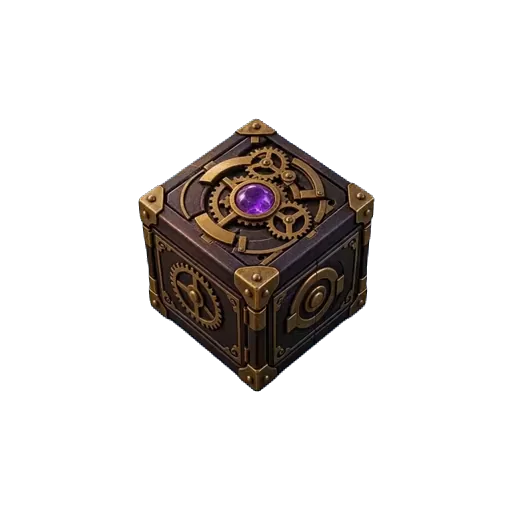
Play the melody back, and the lock opens
A short melody, three listens, and a piano on the screen. Your pupil repeats what they heard and unlocks the exercise, the score, the discount or the surprise behind it. Ear training that does not feel like ear training, on any phone, with nothing for them to install.
How it works
Pick a melody
Thirty short ones come with it, from three notes to two octaves, beginner to advanced, with and without accidentals. All of them public domain or written for this.
Set how many listens
Three is the usual number. Unlimited is a lesson; one is a test. The keyboard shows the notes in letters or in Do Ré Mi, whichever your class uses.
Hide something worth playing for
Next week's exercise, a score, a backing track, a discount on the next term, or a video of you playing it properly.
Designed down to the last detail
Style every pixel of the lock, and watch it open on film.
Nothing on the screen is fixed. Pick a theme, choose a filmed object that fidgets while the lock holds and opens on video, with sound, when the code is right, then a celebration for the moment it opens. Set the typeface and size, and end on your own reveal. Your players see exactly the screen you designed.
Everything you can design on a lock →Colours
51 themes, and more in the builder. Each one paints the lock, its keys and its button.
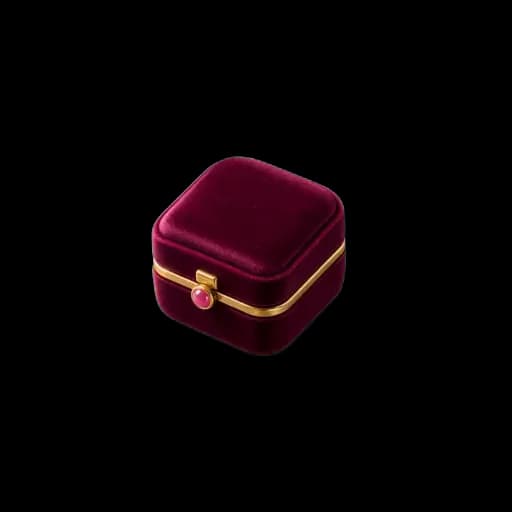
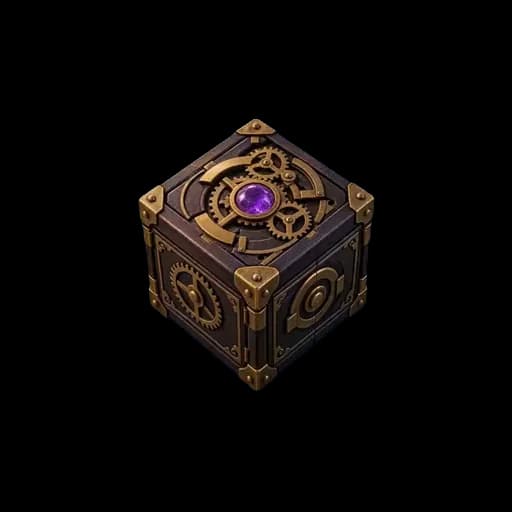
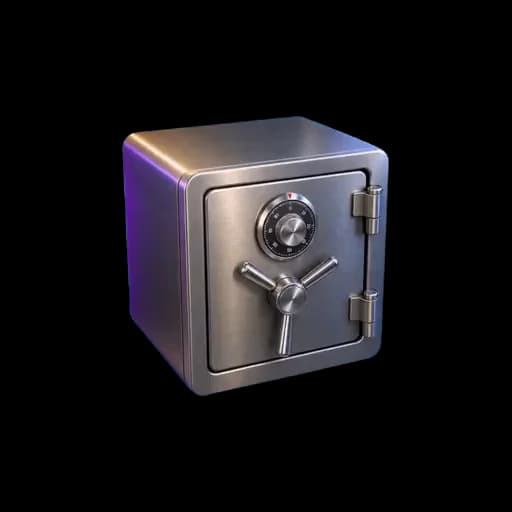
Video animations
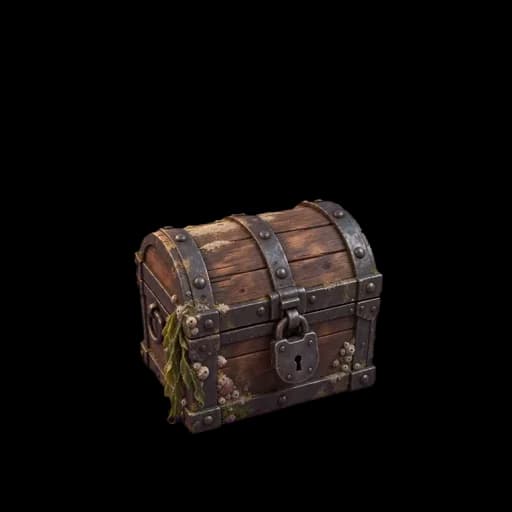
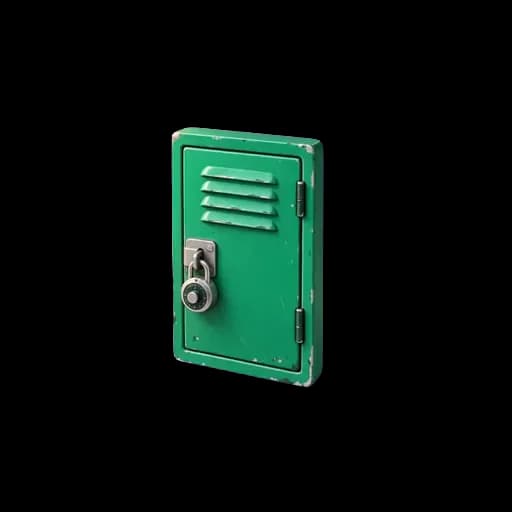
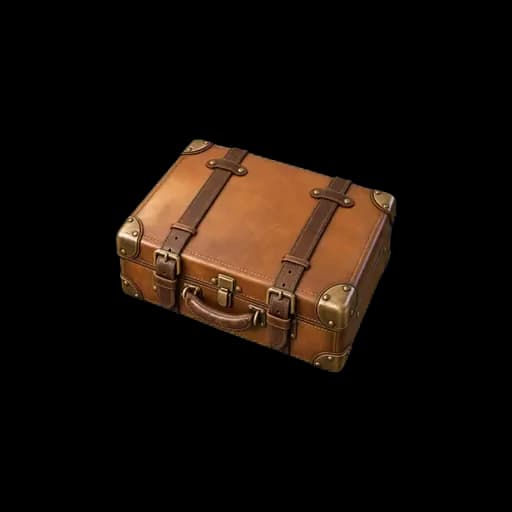
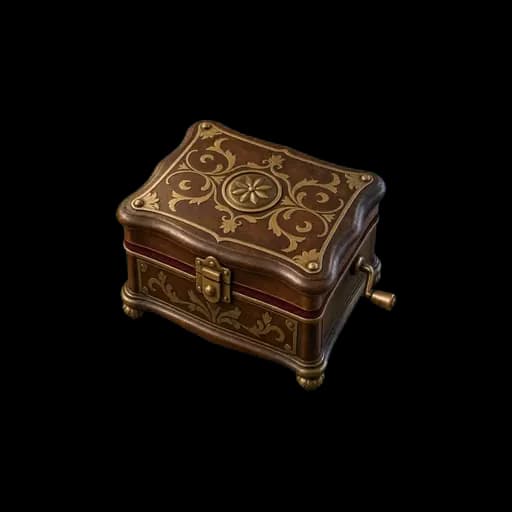
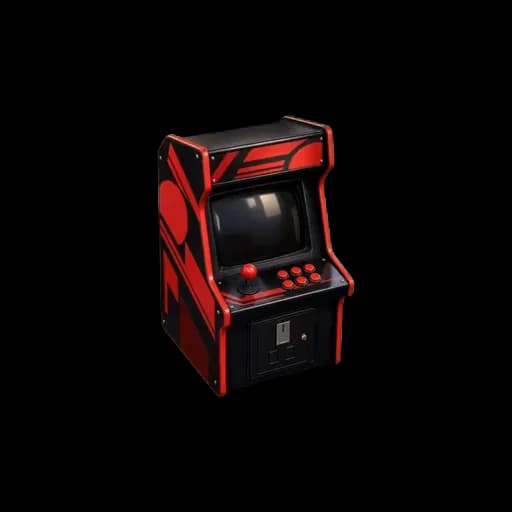
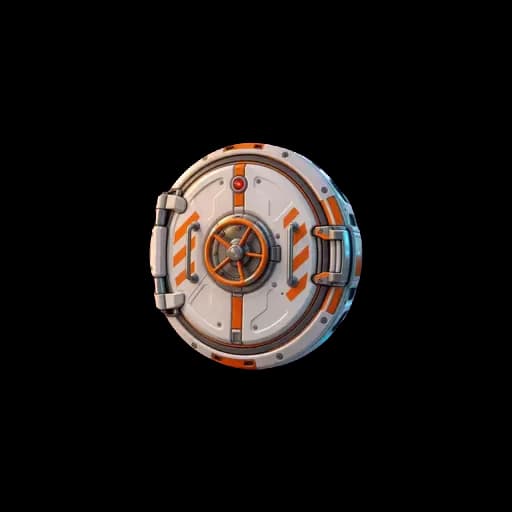
55 filmed objects that fidget while the lock holds and open on video, with sound, when the lock gives way.






Typeface and size
37 typefaces and 6 text sizes, from a phone in hand to a screen across the room.
Or your own two pictures
Upload a closed and an open picture: the parcel as wrapped, then what was inside.
Every theme, filmed animation, celebration and typeface can be tried on the live preview before you publish.
- 51
- themes
- 55
- filmed animations
- 37
- typefaces
- 36
- celebrations
- 15
- lock types
- 5
- player languages
A complete example: the weekly ear training
The lock in the demo above, as a piano teacher actually sets it.
- The melody
- Mary had a little lamb: seven notes, no accidentals, one octave. The first one anybody can do.
- Listens allowed
- Three. Enough to hear it, not enough to memorise the button presses.
- Notation
- Letters for an English-speaking class, Do Ré Mi for a French one. The keys are labelled either way.
- What counts
- The notes, in order, on one octave. The rhythm is not marked, because 'repeat these notes' is the exercise.
- Octave
- Playing it an octave down still counts. A phone keyboard is small, and the interval is the thing being taught.
- A clock
- Sixty seconds. It stops the guessing: there is not time to try every key.
- The reveal
- The exercise for next week, as text, or a link to the score.
Six ways teachers use it
The weekly ear test
One melody a week, three listens, the next exercise behind it.
The trial lesson hook
A melody on your website. Crack it and the discount on a first lesson appears.
Note recognition
A single note, named on the keyboard. The very first exercise.
The interval drill
Two notes. They have to hear the distance rather than the tune.
The black key lesson
A melody with one accidental in it, and nowhere to hide from it.
The end-of-term challenge
Two octaves, no labels on the keys, sixty seconds.
One plan. Everything included.
The full melody library, unlimited pupils, the countdown, which is what stops a pupil pressing every key until something works, and one play per device, which is what makes a result mean something.
1
Create
Any lock, any reveal
2
Customize
Themes, fonts, filmed opening, sound
3
Share
Link or QR code, on any device
4
Play together
Team Battle, live ranking, advanced controls
Music teacher questions
What is a melody challenge?
A lock whose answer is a tune. The player presses Listen, hears a short melody, and repeats it on a piano keyboard on the screen. Get the notes right and whatever you hid behind it appears.
Which melodies can I use?
Thirty come with it, across three levels, with and without sharps and flats, at several tempos and across two octaves. Every one is either traditional and long out of copyright or written for this product, so a school can put one on its website without wondering.
Does the rhythm have to be right?
No. The order of the notes is what counts, because 'repeat these notes' is the exercise most pupils are set. You choose how many times they may listen first.
Letters or Do Ré Mi?
Either. The keys are labelled in whichever your class uses, and sharps and flats are the same key: a pupil who reads F sharp and a pupil who reads G flat press the same thing, because on a piano they are the same thing.
Can I stop them guessing?
Add a sixty second limit. There is not time to try every key, so the answer has to come from having heard it. You can also allow one play per device, which is what makes a result defensible.
Does it need a real piano or an app?
Neither. The keyboard is on the screen and the sound is made by the browser, so it works on a phone in a waiting room. Nothing to install and nothing for the pupil to sign up for.
Ear training they will actually do
Pick a melody, set three listens, and hide next week's exercise behind it. It takes about four minutes.
Build your melody challenge →