
Winter break escape room: beat the blizzard
An escape room for the last day before winter break or a snow day: read the class calendar, hang the mittens in rainbow order, solve the snowflake riddle and walk the snowman's footprints back to the door. About 15 minutes for children from about seven, in elementary and middle school, on one link or QR code that opens on phones, tablets or Chromebooks, with no student accounts. You can play it right now without an account.
- Made for
- Teachers and classrooms
- Difficulty
- Easy
- Duration
- 15 min
- Steps
- 4
- Locks used
- Numeric code (PIN), Colour sequence, Written answer, Direction (4 ways)
Try it before you copy it
What this template contains
step 1 · Numeric code (PIN)
The class calendar
📅 The class calendar says:
'Last day of school: Friday, December 18. The snowman leaves for vacation the day after.'🔢 When does he leave? Month, then day: four digits.
step 2 · Colour sequence
The mittens
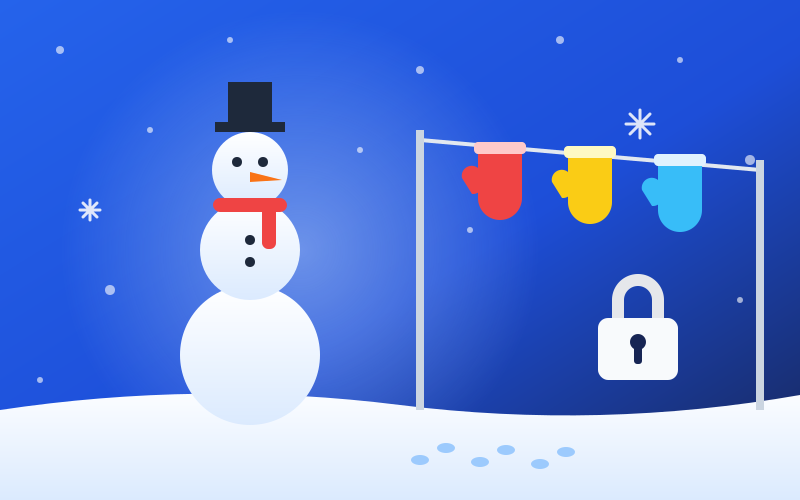
🧤 Three mittens hang on the clothesline by the door: blue, red, yellow.
🌈 Hang them back in rainbow order.
step 3 · Written answer
The snowflake
❄️ The frost on the window spells a riddle:
'I fall from the sky in winter, white and cold, and no two of us are alike.'✏️ Type the word, nine letters.
step 4 · Direction (4 ways)
Footprints in the snow
👣 From the door, the snowman's footprints go:
↑ → → ↓🏠 Walk him back to the door, retracing his steps, one arrow per move.
Ideas to make it yours
- Change the calendar to your real last school day, and the code with it
- Swap the final reveal for your own class reward
- Print the QR code on a paper snowflake for the classroom door
How to use this template
- 1
Play it here first, exactly as your players will.
- 2
Copy it into the builder, then change the codes, the clues and the locked content.
- 3
Publish and share the link or the QR code. Players need no app and no account.
Questions about this template
- Is this winter escape room suitable for a public school?
- Yes. It is about winter only: snow, mittens, a snowman and the last day before the break, with no holiday or religious content. The four riddles use a date, colours, one word and arrows, so the whole class can play it, whatever each family celebrates.
- Do students need accounts?
- No. Students open one link or scan a QR code on a phone, tablet or Chromebook, with no account and nothing to install, and every answer is checked on the server. Players never pay. See current plans and features on the pricing page.
- Can I change the riddles?
- Yes. Copy the template into the builder, edit the riddles, the answers and the final reveal, preview it as a student would, then publish and share the link.
- Is this template free?
- Playing it and editing it in the builder are free for everyone, and players never pay. See current plans and features on the pricing page.
- Can I change the answers and the texts?
- Yes. Every code, clue, hint and piece of locked content opens in the builder, and nothing is saved until you publish.
- What do players need?
- A phone or a computer with a browser. They open your link or scan your QR code, and never create an account.
- How long does it take to play?
- About 15 minutes, from the first lock to the locked content.
Similar templates
- Mini classroom escape roomThree rooms, three subjects, one shared screen: a math chain, a science poster and a caretaker's note. A twenty-minute classroom escape room for a whole class, no equipment beyond the projector.
- The Vault HeistFive rooms between your team and the vault: the guard's rota, the breaker panel, a laser grid, the founder's word and the dial itself. A full evening for four to six players.
- Space Station LockdownA science lesson disguised as a rescue: restore power, seal the leaking module, steer the capsule and dock. Four steps, one class, real facts about the Moon at the end.