
Several locks, chained into one game
A game is one lock with several steps. Each step is a room: a puzzle, a lock format, and what it reveals when it opens, which is usually the clue for the next room.
Chain a few virtual locks into one game: each answer opens the next room. Your group opens one link or scans one QR code on their own phones, with no account and nothing to install. You can build and preview the whole game before paying anything.
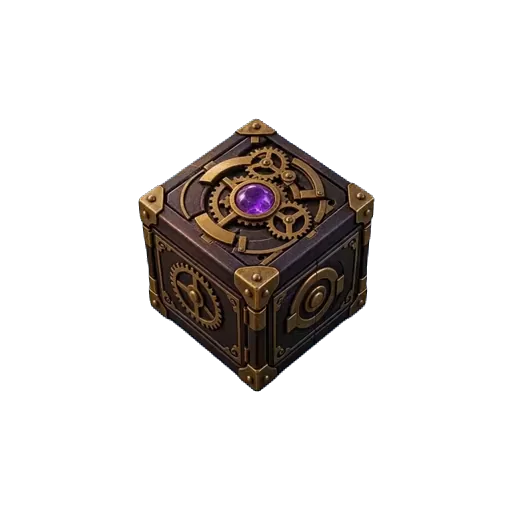
The library, room one of the Mini escape room template. A 4-digit lock, a bookmark with four instructions, and a revolutionary year. Build the same lock with your own clues. This one is dressed in a mystery look with a filmed puzzle box, and yours can be too.
📚 The oak shelf has a 4-digit lock
Wrong answer, try again.
A revision game, a station rotation or an end-of-term escape. Students play on their phones or the class laptops, with no student login.
Classroom escape room builder →An icebreaker before a meeting, an onboarding trail or a team-building round, in the office or remote, every player on their own screen.
Virtual locks for team building →A clue trail around the building or the grounds: a QR code at each stop, a lock behind each code, and the last room opens on the prize.
Treasure hunt generator →A party, a school race between teams, a conference or a company game: one link for everyone, however many people play.
Escape room templates →A game is one lock with several steps. Each step is a room: a puzzle, a lock format, and what it reveals when it opens, which is usually the clue for the next room.
The whole game has one short link and one QR code. Project it, print it, or send it in the group chat. Change a clue later and the same code still works, because it points at the game, not at a copy of it.
Nobody in the group signs up or installs anything. They open the link in the browser they already have. Every phone plays its own session, and there is no cap on players or attempts.
The answer is not sitting in the page for a quick player to read: every lock format is checked on the server except the melody lock. A wrong answer shakes the lock; the right one opens the room.
Start from a template or a blank lock
Pick a multi-room template, or start with one lock and add a step for each room.
Chain the rooms
For each room, write the clue, set the answer, and make the reveal the clue for the next room. The last room opens on the prize.
Play it as a player
Test the whole game in the builder's preview before you sign up, the way your group will play it.
Share one link or one QR code
Publish and share the link or the QR code. Everyone plays on their own phone, with no account.
Three rooms, three different locks, one way out. It runs in about 25 minutes, in one room or across a building, and every clue can be rewritten for your group before you share it.
Room 1
The library
Numeric code (PIN)
Room 2
The paint shop
Colour sequence
Room 3
The exit
Touch pattern
It arrives dressed, in a mystery look with a filmed puzzle box. Keep the look, change it, or switch to the plain one before you publish.
One plan, everything included. You can build and preview a game before paying anything, and players never pay and need no account. See current plans and features on the pricing page.
Rooms, formats and reveals
Looks, films and celebrations
Results, ranking and controls
One lock is already a game. Chain a few of them and your group has an escape room, on one link.
Build a game for your group →