
Create beautiful
virtual locks.
Hide a message, a photo or a video behind a code, then share it by link or QR code. They solve it on any phone or computer, and the reveal is theirs.
No app. No player account.
Pick a lock, try it above.
Team Battle · for classrooms and escape rooms
Turn your classroom or escape room into a race between teams.
Split players into teams and press Start. Every team cracks the same locks, the ranking moves live, and the first team to open all its locks wins, with everyone cheering.
- Split your class or group into teams
- Press Start: every team gets its locks
- Watch the race live, then crown the winners


Or start from scratch
Want to design every detail?
A Signature Lock is ready to share as it is. To customize your lock entirely, start from a blank one: style, opening animation, sound and final reveal. You can also chain several locks into a sequence, opened one after another. Your players see exactly what you create.
51 colours · here are some of them
36 celebrations · tap one to watch it
58 video animations · pick one, it comes alive on the lock
37 typefaces · try them out
Treasure hunt, class 4B
A spider has 8 legs. Seven spiders are hiding in the attic. How many legs is that?

Every option shown here is in the builder, and many more.
Build yours →- 51
- themes
- 58
- filmed animations
- 37
- typefaces
- 36
- celebrations
- 15
- lock types
- 7
- player languages
How it works
From idea to a lock they can play.
Create your lock
Write the clue, set the code (or a written answer, a pattern), add the reveal it guards, then share the link.
Send the link or QR
Paste the link in a group chat, an email or a slide, or print the QR and stick it where they will look. One tap or one scan and it opens in their browser.
They crack it, the reveal opens
They type the answer on any phone. The lock opens and your message, photo or video is theirs.
An automatic hint can be ready, so nobody stays stuck.
Templates and examples
Start from something that already works.


The mechanics
Two favourites. Thirteen more ways to play.
No account required
Players open and play. That's it.
Works on any phone
No app. No downloads. It just works.
Player interface in 7 languages
English, Spanish, French, Catalan, Portuguese, Korean, German.
Hard to cheat
The answer is checked on our server and never sent with the page. The one exception is a melody to repeat, which players have to hear.
Try some locks.
A bit tricky on purpose. The hint makes each one easy.
The sunken galleon
It sank in the only leap year between 1701 and 1707.
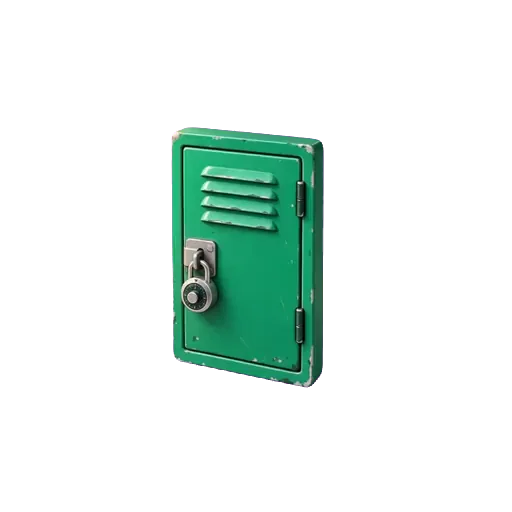
The cell door
The masked swordsman carved his signature here. Trace it.
Draw your pattern
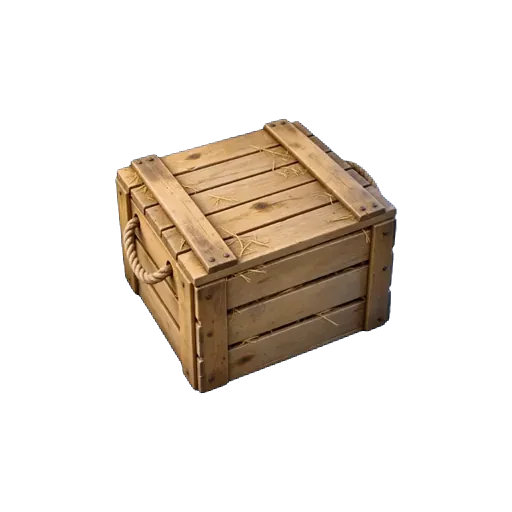
The champagne crate
The crank turns like a clock, a quarter turn at a time.
Choose a sequence of 4 directions
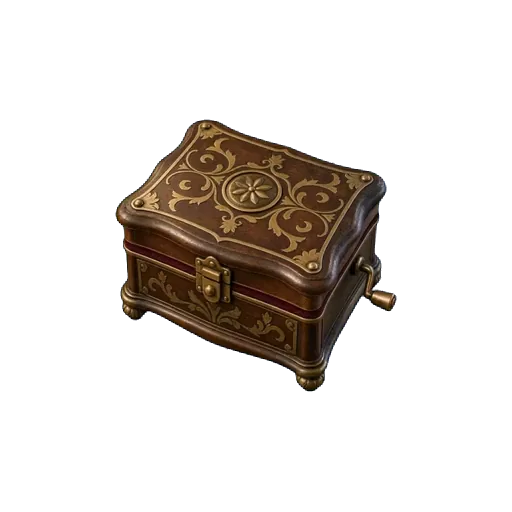
The music box
Listen, then play back the first three notes of the scale.
Then try to play the notes back.
Play a sequence of 3 notes
The notebook
The last page is a mini sudoku. Fill it and it opens.
Tap a cell, then a digit. Fill every cell.
Wordle
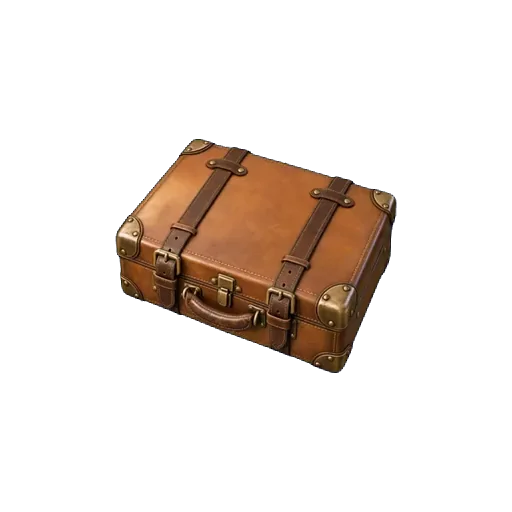
The suitcase
A Wordle on the tag: the city of the 1889 iron tower.
Guess the 5-letter word.
Simple pricing
Lock Challenge Pro. One plan, everything included.
Build and preview for free, then pick how long you need it when you publish. Players never pay.
$4.90paid once
Unlimited locks, multi-step locks included, for the whole week
For a surprise, a gender reveal or a treasure hunt. Paid once. After 7 days your locks close, never deleted: buying again reopens them.
What is included
- All lock formatsCodes, words, patterns, colours, directions, sudoku and more
- Any revealA message, a picture, a link, a video or a page of your own
- Multi-step gamesMulti-step games, with as many steps as you need
- Ready-made templatesReady-to-play templates for every occasion
FAQ
Questions, answered clearly.
Everything creators and players need to know before building a virtual lock.
What is a virtual lock?
A virtual lock is an interactive web challenge that protects hidden content. The creator chooses a lock, defines the correct answer and adds content to reveal. Players open a link or QR code, solve the challenge and unlock the content in their browser.
Do players need an account or an app?
No. Players open the shared link on a phone, tablet or computer and solve the lock directly in their browser. Only the creator needs an account, and only to save and publish.
Can I build one without signing up?
Yes. You can pick a lock, set the answer, add the reveal and test it as a player, all without an account. Until you sign up, your draft is kept in this browser. Signing up saves it to your account, and you only pay when you publish.
What can I hide behind a lock?
Anything: text with bold, italics, sizes, links and lists, the next clue in a chain, a link or a download, an action button, an image, audio, a YouTube video, sanitised HTML and several items in one reveal. Around it, you style the lock itself with a theme, a filmed object that opens on video with sound when the lock gives way, a celebration, a typeface, or your own two pictures.
Can I customise how the lock looks, with my own design and logo?
Yes. You design the lock down to the last detail: 51 themes that set the page, the keypad, the ink and the accent together, 58 filmed objects (a treasure chest, a safe, a vault door, a gift box, a ring case) that fidget while the lock holds and open on video, with sound, when it gives way, with the reward appearing inside, or your own two pictures (closed and open), 37 typefaces and 6 text sizes, 36 celebrations with sound (confetti, fireworks, hearts), and your logo as a signature, a pattern, an engraved plate or a watermark, with no Lock Challenge branding. The reveal itself can be a designed HTML page with cards, letters, tickets and stamps. Every option can be tried on the live preview before you publish.
Is a lock limited by how many people play?
No. Unlimited players, and unlimited attempts unless you set a limit yourself. A published lock works for as many players as you send to it, and nobody pays to play.